

Simple ordering. Clear process. Print-ready files.
How Printvine works
Order the artwork you need today, add the detail later in your portal, and keep everything organised from brief to final files.
Four simple steps from order to final files
You move forward without needing every file upfront. Detail comes later, in the right place.
-
1
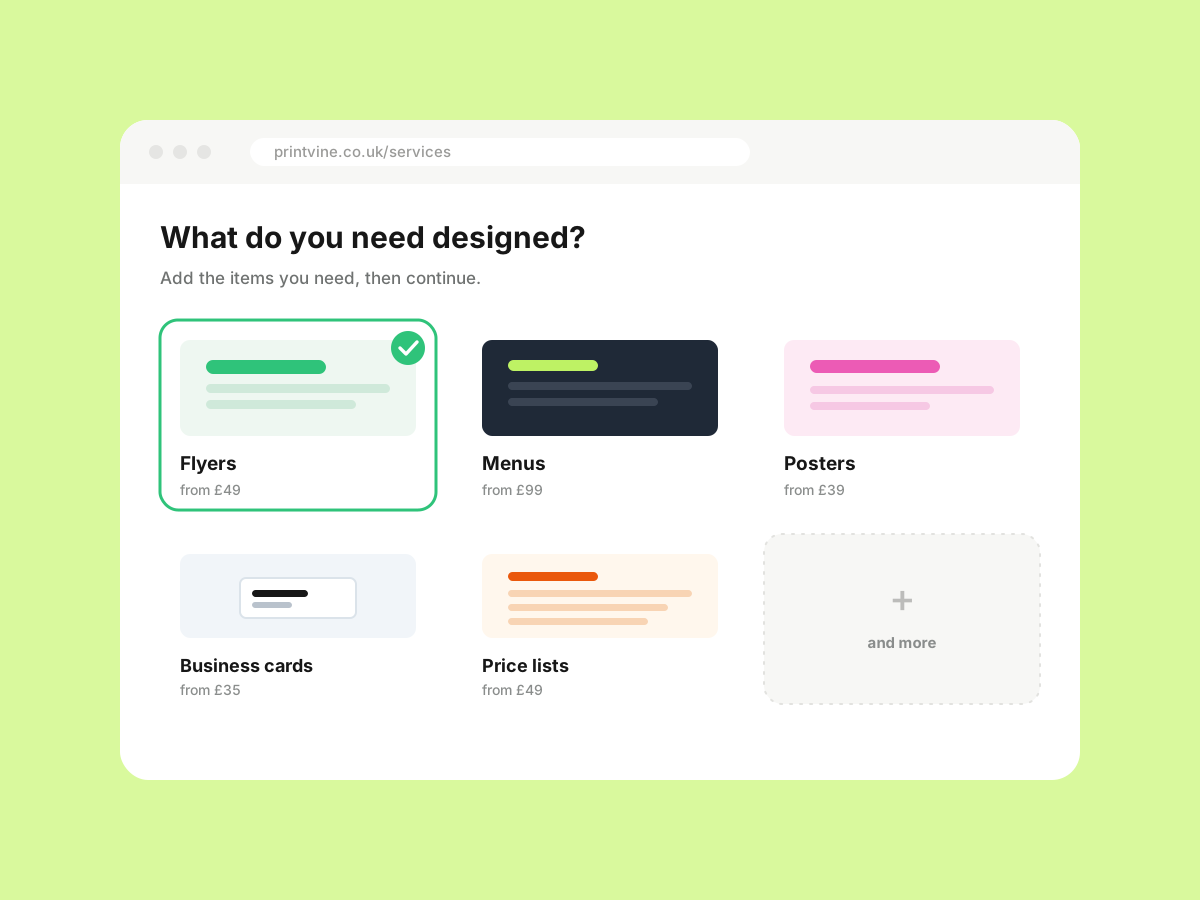
Choose the artwork you need
Select from menus, flyers, posters, business cards, price lists and more. Add multiple items before continuing.
-
2
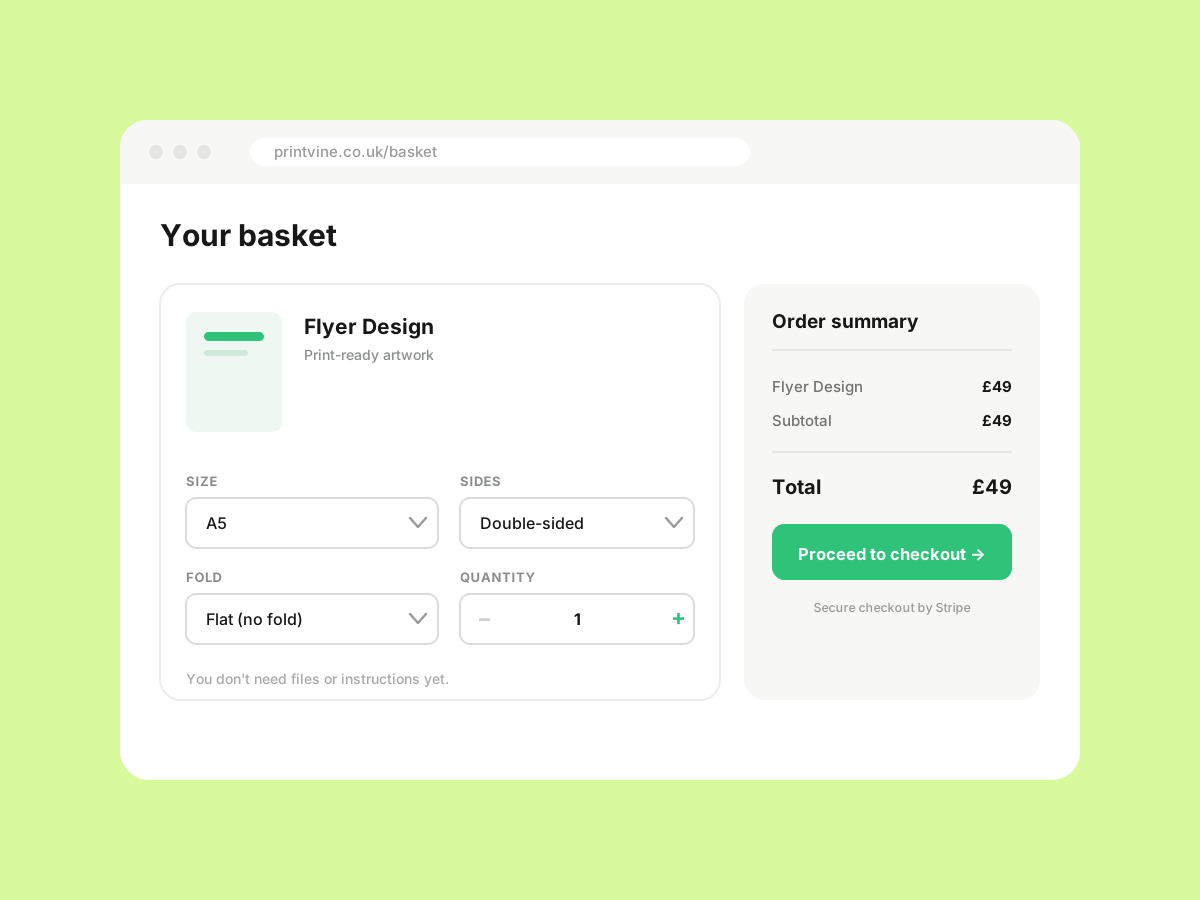
Add the basics in your basket
Set size, pages, fold, sides or quantity. You don't need every file or instruction ready yet.
-
3
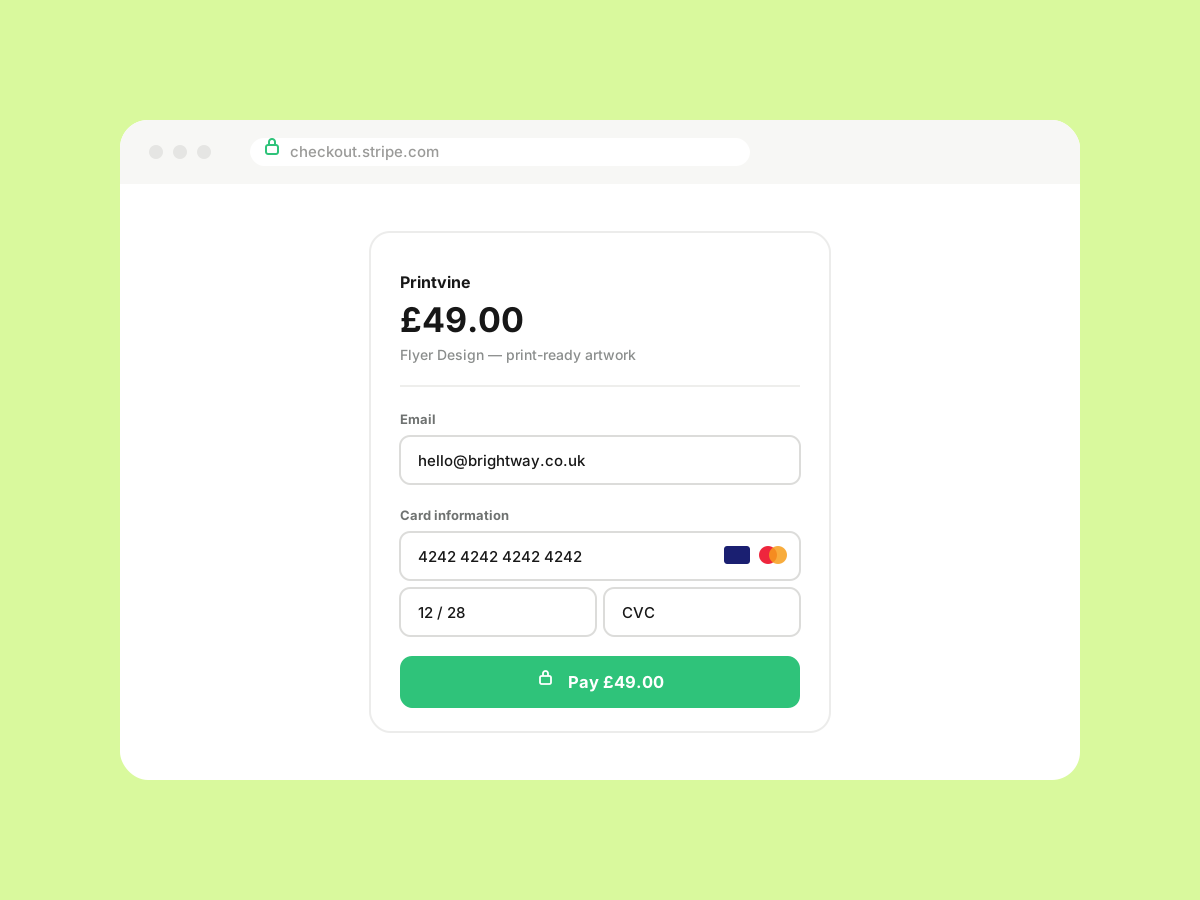
Checkout securely
Complete payment via Stripe Checkout. Fast, secure, no long design questionnaire at this stage.
-
4
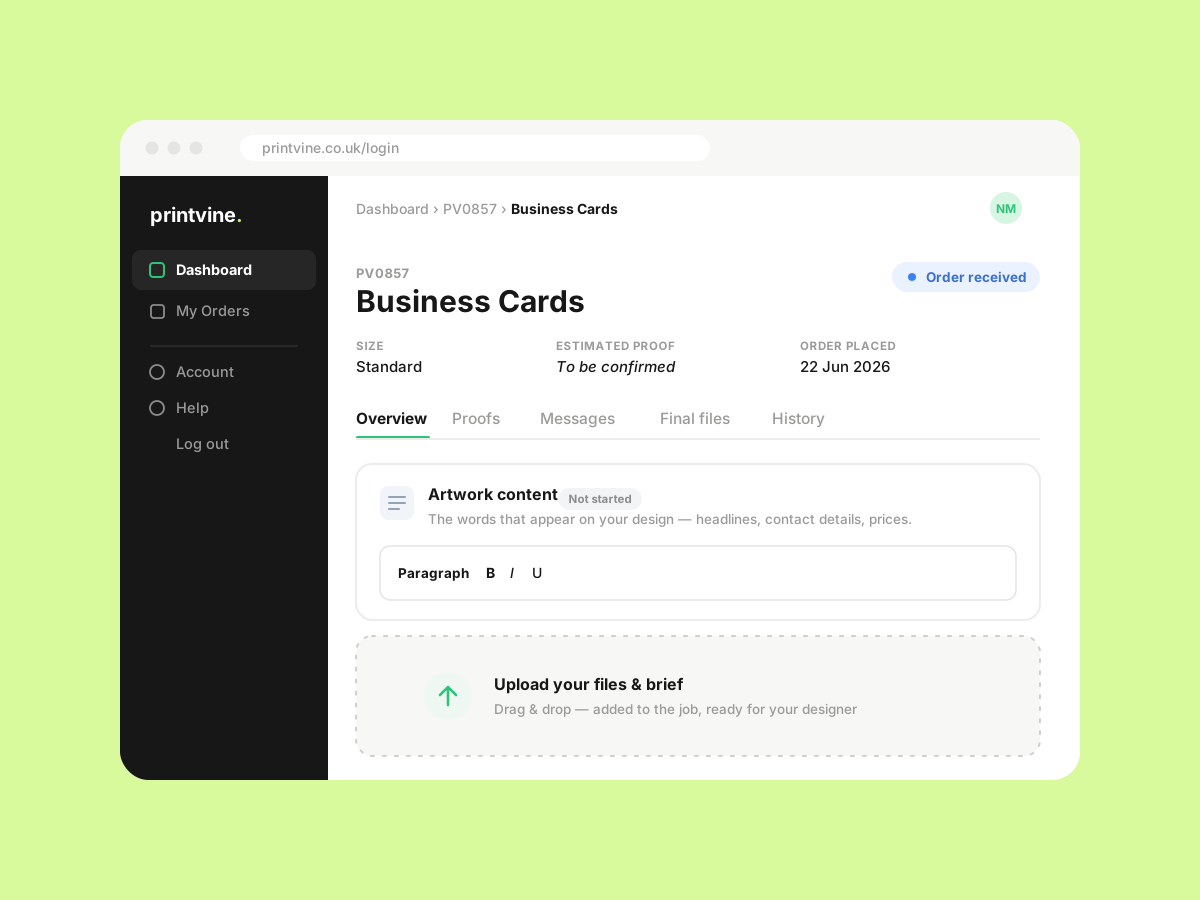
Upload, proof and download
Log in to your portal, upload files and brief, review proofs, request changes and download final print-ready files.
Active jobs
Your portal keeps everything together
After checkout, your portal is where the work happens. Upload files and brief, review proofs, message the designer and download final print-ready artwork — all in one place, organised by job.
- Files, brief and messages in one place
- Review proofs and request changes inline
- Print-ready PDF, CMYK, 300dpi sent to your portal
- Re-download finals any time
A simpler way to order artwork
Printvine is built for local businesses that need good artwork without a long, messy design process. Instead of asking for every file and instruction before you can even place an order, we let you start with the service you need and sort the detail properly afterwards.
Choose your artwork, set the basics in your basket, and complete checkout securely. After that, your portal becomes the place where everything stays together — files, notes, proofs, messages and final downloads.